Effective enterprise management is a constant battle for data transparency and seamless information flow. At Time Harmony, we understand that a modern work time optimization system must be more than just a tracking tool – it must be a command center that adapts to your specific needs.
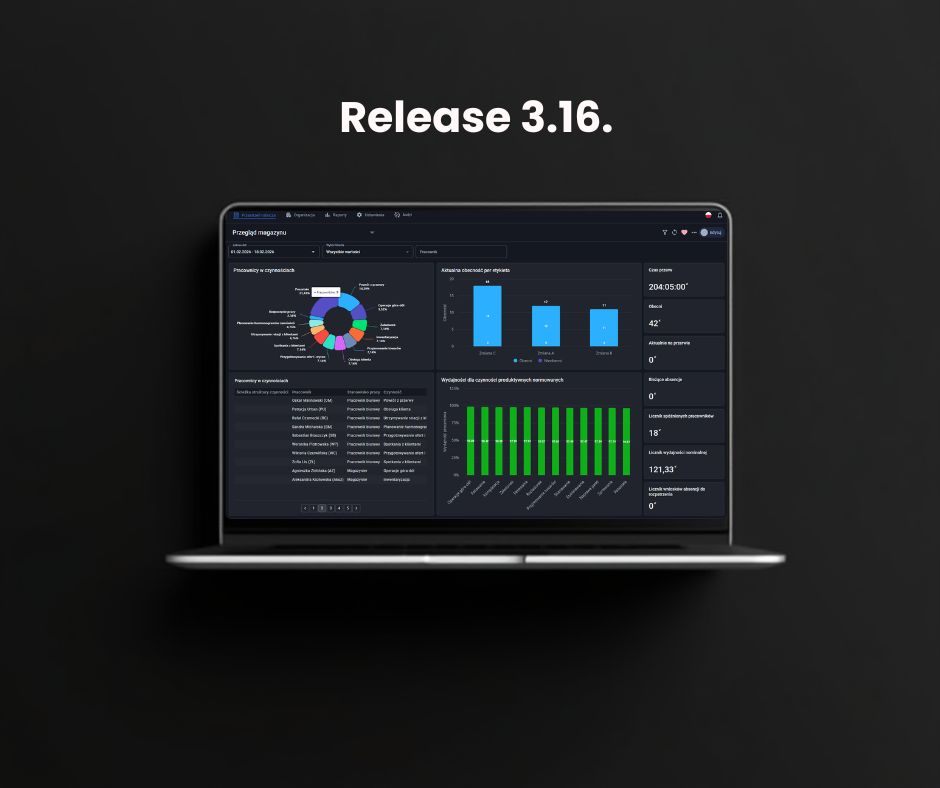
On Monday, March 30, 2026, we are launching update 3.16, which introduces two breakthrough features: Global Views and an Integrated Messaging System.
Explore how these changes will enhance operational comfort in your organization.
Global filtering and views: full control over your data
The biggest challenge at scale is the rapid selection of relevant information. Our new "Views" mechanism allows you to create personalized filter sets that "follow" you throughout the entire work time optimization system.
What does this mean in practice?
- Unified data model: If you select the "Production – Warehouse A" view, the system maintains this filter whether you are checking schedules, management dashboards, or attendance lists.
- No more repetition: Save your configuration, name it, and mark it with a star as your "Default View" to load automatically every time you log in.
- Intuitive management: Need a quick change? Edit filters locally without overwriting the template. The system will mark it as "unsaved" and display the requested data only for the current session.
Business Goal: To unify and provide full transparency. With Global Views, every manager can be certain they are operating on the exact same dataset, which is a core pillar of an effective work time optimization system.
Messaging system: centralizing operational communication
In version 3.16, we focus on streamlining the flow of information. Instead of scattering important operational updates across emails and external chats, we are introducing a dedicated internal communication module. It is available in both the main Time Harmony platform and the My Time Harmony employee portal.
Why is this a game-changer for system logic?
- Context and data consistency: All arrangements regarding working hours, leaves, or performance results stay within the same ecosystem as the source data.
- Security and confidentiality: Sending sensitive documents within a secured work time optimization system is both safe and convenient.
- Organizational structure alignment: The system automatically recognizes your company hierarchy. Messaging a specific department or location is instantaneous.
- Mass personalization: Using Excel imports, you can send unique content (e.g., individual KPIs) to hundreds of people simultaneously while tracking who received the message.
The future of Time Harmony: A complete digital ecosystem
The introduction of the desktop messaging module is a natural step in the evolution of our work time optimization system. We see it as the foundation for the next stage of HR process digitalization. Since the system already manages time perfectly, the next logical step is to give it a "voice" that connects management with every employee.
In the coming weeks, this feature will gain its strongest pillar: mobile communication in the My Time Harmony Mobile app. This is a revolution for remote and frontline teams in warehouses or production halls.
- Communication in Your Pocket: Updates on schedule changes or new procedures will be available instantly on the employee's phone.
- Secure Document Distribution: Every team member, regardless of their position, will receive personalized HR info securely.
- A "Full-Circle" Ecosystem: Time Harmony becomes an all-in-one environment where time tracking and operational communication overlap seamlessly.
We believe that a modern work time optimization system must be close to the people – especially where work dynamics are highest. The development of mobile messaging is our response to the needs of modern enterprises building transparent and professional work environments.
Conclusion: Enhancing your work time optimization system in Version 3.16
Update 3.16 marks the next stage in the evolution of Time Harmony, making our work time optimization system even more intuitive. By introducing Global Views, we provide managers with full data consistency across all application levels, while the new Messaging System eliminates information noise by connecting leadership with frontline staff. These enhancements strengthen internal collaboration and ensure operational alignment within a single, sophisticated ecosystem.
Contact us to learn more about the 3.16 update."